
Introduction: Why Most Websites Fail Before They Even Launch
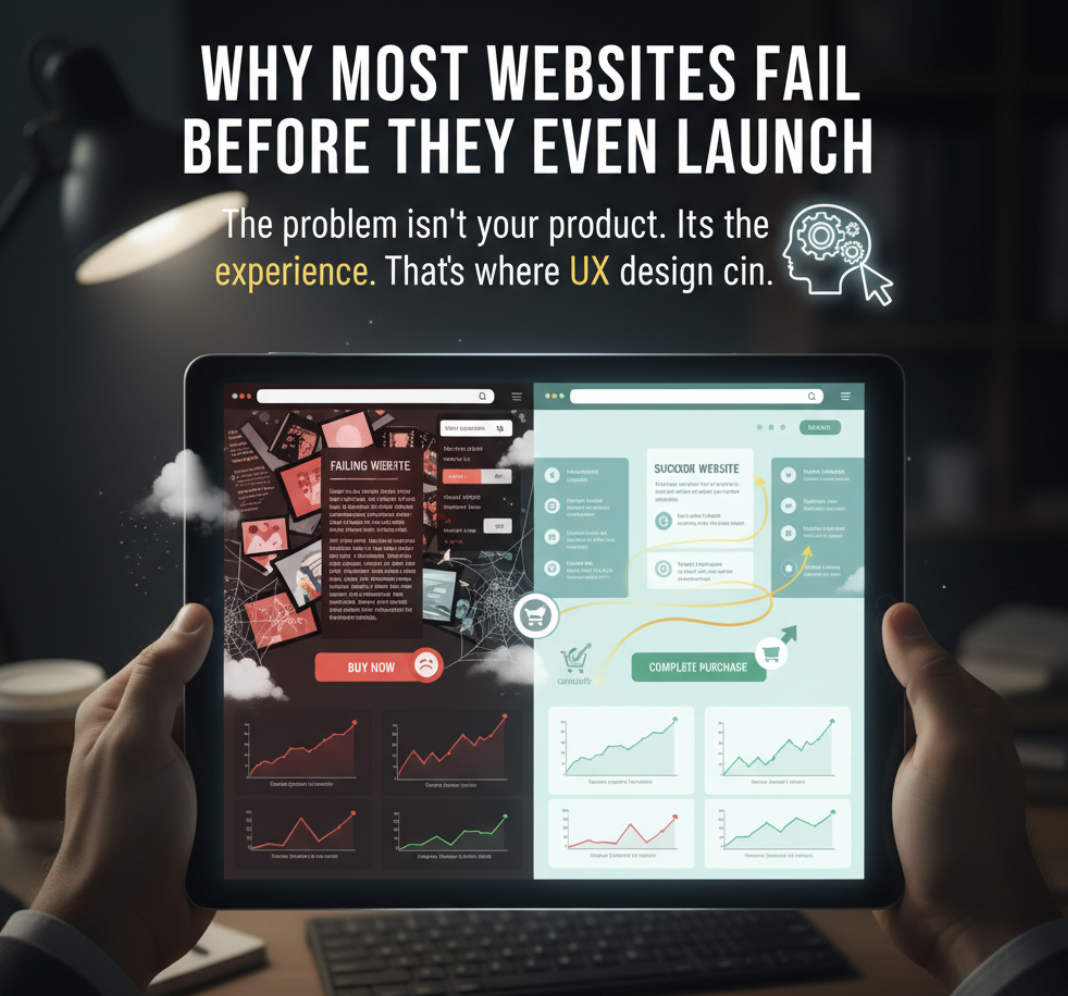
You’ve spent months perfecting your website — beautiful visuals, clever copy, all the right pages. Yet, conversions are flat, bounce rates are high, and users don’t stay long enough to engage. Sound familiar?
The problem isn’t your product or even your marketing. It’s the experience.
That’s where UX design, or User Experience design, comes in — the art and science of building websites people actually want to use.
When done right, UX design doesn’t just make your website look good. It turns it into a smooth, intuitive experience that guides users effortlessly from curiosity to conversion.
What Is UX Design?
UX design (User Experience design) is the process of creating digital experiences that are easy, enjoyable, and effective for the people who use them.
It focuses on how users interact with your website — how fast they find what they need, how smoothly they move through your funnel, and how confident they feel taking action.
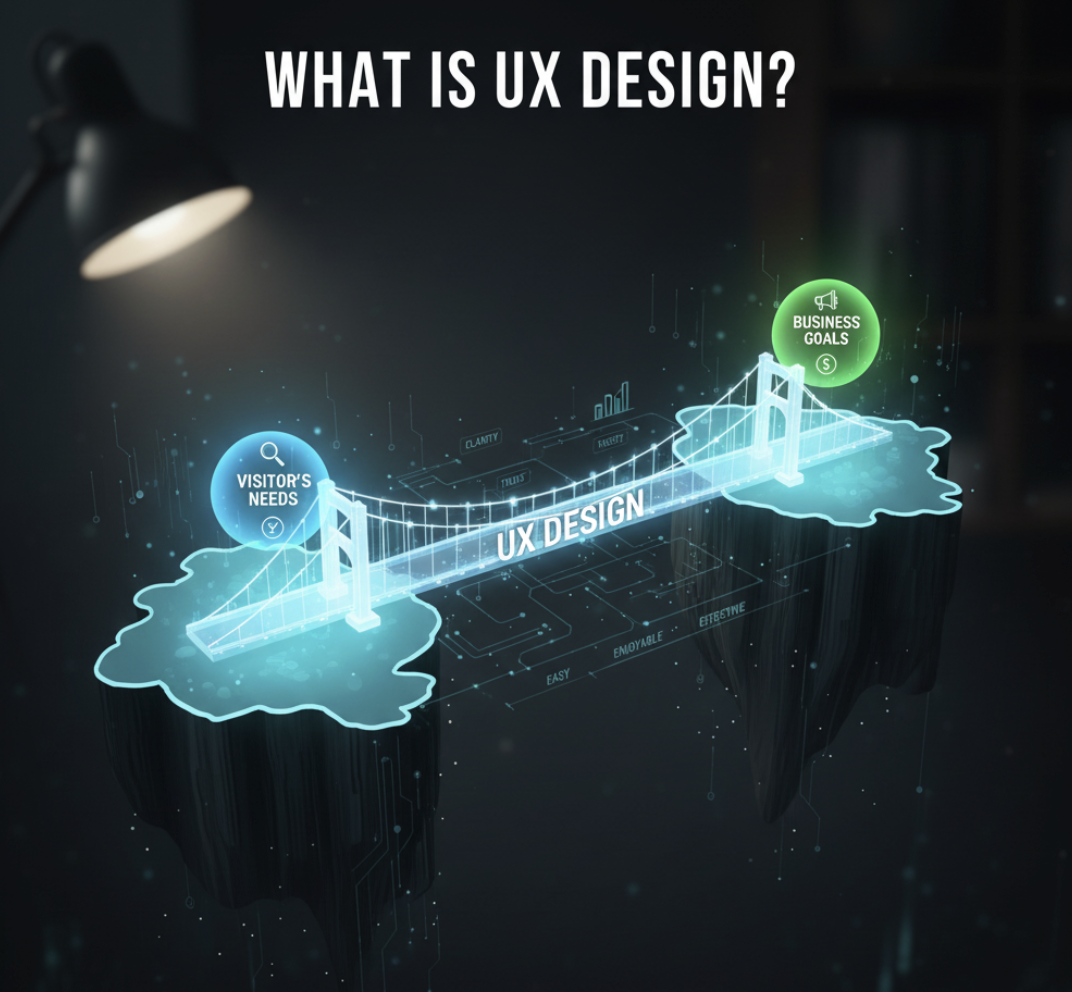
Think of UX as the bridge between your business goals and your visitor’s needs. It ensures every design choice serves a purpose: clarity, trust, and conversion.
The Key Elements of Great UX Design
A strong UX design is more than aesthetics. It’s a system built around how users feel and behave. Here are the pillars:
1. Ease of Navigation
- Clear, consistent menus
- Logical page hierarchy
- Search functionality that actually works
When users can’t find what they need in under three clicks, frustration sets in — and they leave.
2. Visual Hierarchy and Layout
- Headlines that grab attention
- Buttons that stand out (but don’t overwhelm)
- Whitespace that breathes
Good UX guides the eye effortlessly toward key actions — like signing up, buying, or booking.
3. Speed and Performance
- Fast-loading pages reduce bounce rates
- Optimize images and code to improve response times
Google research shows that if a site takes longer than 3 seconds to load, over half of users abandon it.
4. Mobile Responsiveness
With mobile traffic dominating, your site must deliver a flawless experience across all devices.
5. Accessibility
Inclusive design means everyone — including people with disabilities — can access and interact with your content.
Why UX Design Matters for Business Growth
Investing in UX is not just about aesthetics. It’s a business strategy.
Here’s how strong UX design impacts your bottom line:
| UX Benefit | Impact on Business |
|---|---|
| Improved usability | Increases engagement and dwell time |
| Faster load times | Boosts SEO and conversion rates |
| Clear navigation | Reduces bounce rates |
| Trust-building design | Improves customer confidence |
| Optimized funnels | Increases lead and sales conversions |
According to a Forrester Research study, a well-designed user interface can raise your website’s conversion rate by up to 200%, and a better UX design can yield conversion rates up to 400% higher.
Common UX Mistakes That Kill Conversions
Even good websites fall into these traps:
- Cluttered layouts — too many elements compete for attention.
- Generic CTAs — users don’t know what happens after they click.
- No feedback loops — users aren’t guided when errors occur.
- Slow load times — the silent conversion killer.
When your UX breaks down, so does your sales funnel.
How to Improve Your Website’s UX (Without a Full Redesign)
You don’t need to start from scratch to improve UX. Start with quick wins:
1. Conduct a UX Audit
Identify friction points — confusing layouts, broken links, slow pages. You can do this manually or with diagnostic tools like ActStrategic.ai’s Fix My Website Conversions report.
2. Simplify Your Navigation
Reduce menu items, use intuitive categories, and make CTAs clear and visible.
3. Prioritize Above-the-Fold Clarity
Make sure users instantly understand what your site offers and what to do next.
4. Optimize for Mobile
Ensure every element is touch-friendly, responsive, and easy to read on smaller screens.
5. Add Microinteractions
Subtle animations, hover effects, and feedback signals make the experience feel alive and responsive.
UX Design and Conversions: The Invisible Connection
Conversion optimization and UX go hand-in-hand. Every bottleneck in your funnel — from unclear copy to slow forms — is a UX problem in disguise.
By improving the user experience, you’re not just making your site prettier — you’re removing obstacles that stand between a visitor and a sale.
A well-structured UX creates trust, flow, and momentum — the psychological trio that turns browsers into buyers.
FAQ: Understanding UX Design
1. What is the difference between UX and UI design?
UI (User Interface) focuses on the look and feel — colors, typography, buttons — while UX is about the overall experience and usability.
2. How do I know if my website has poor UX?
Watch for signs like high bounce rates, low conversions, or users dropping off mid-funnel.
3. Can UX design improve SEO?
Yes. Search engines reward websites that load fast, are mobile-friendly, and offer great usability.
4. What are common tools for UX analysis?
Hotjar, Google Analytics, Crazy Egg, and UX audit tools like ActStrategic.ai’s Fix My Funnel report.
5. Is UX worth investing in for small businesses?
Absolutely. A small improvement in usability can lead to a massive impact on conversion and customer trust.
Conclusion: Don’t Let Bad UX Cost You Sales
Your website isn’t just a digital brochure — it’s a conversion engine.
And UX design is the oil that keeps it running smoothly.
If your site looks good but doesn’t perform, it’s time to go deeper.
👉 Explore our Fix My Website Conversions report to pinpoint where your UX is leaking conversions — and how to fix it fast.