Why Loading Speed Is More Than a Technical Detail
If you’ve ever clicked a link, waited three seconds, and then tapped “Back,” you already understand the cost of a slow website. In today’s instant-gratification world, users expect fast, seamless experiences. When your site lags, it’s not just annoying—it’s costing you customers, SEO rankings, and revenue.
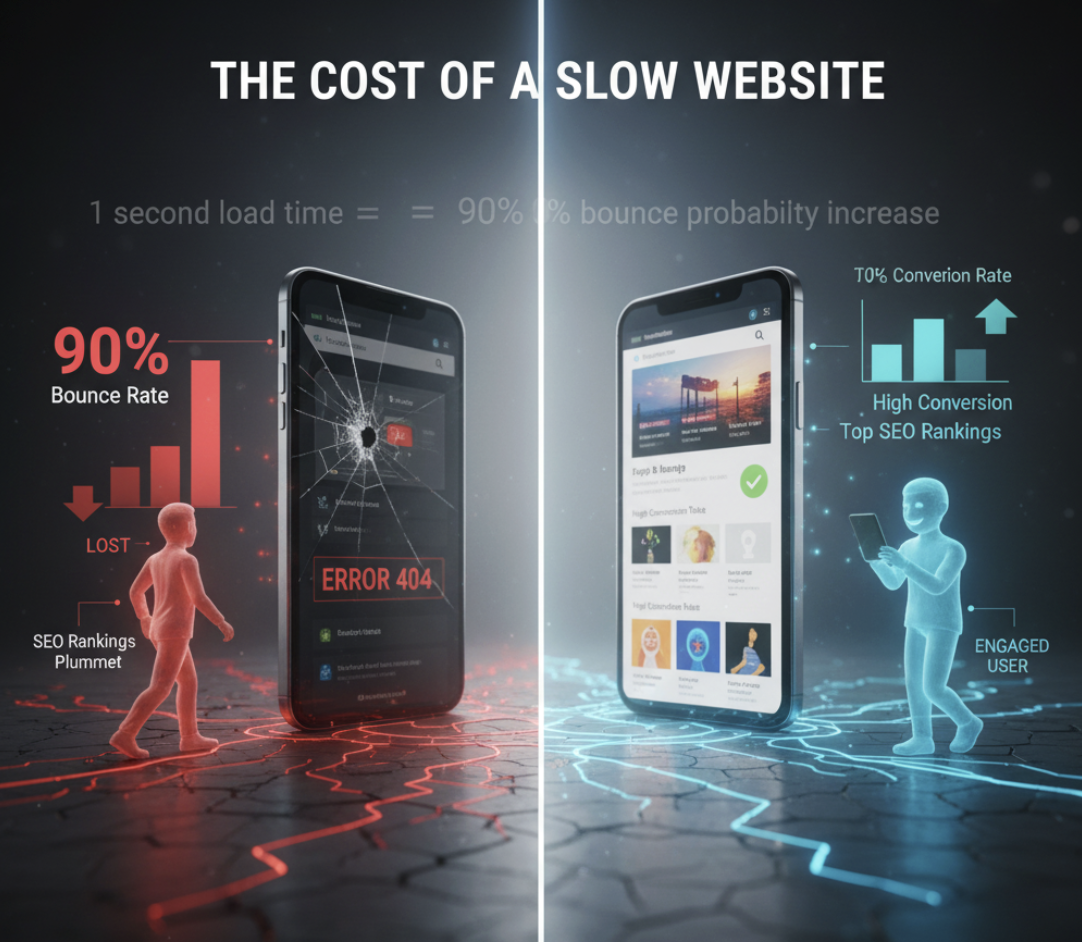
A study by Google found that as page load time increases from one second to five seconds, the probability of a bounce increases by 90%. That means nearly double the users leave before they even see your offer.
Speed isn’t just a technical issue—it’s a strategic advantage.
How Website Loading Speed Impacts Conversions
A delay of even one second can make the difference between a visitor converting or bouncing. Here’s how loading speed directly affects conversions:
- User Experience: Visitors perceive fast websites as more trustworthy and professional.
- SEO Rankings: Google prioritizes fast sites in search results. Slow loading times can drag down your visibility.
- Mobile Conversions: On mobile, speed matters even more—where attention spans are shorter, and data connections vary.
- Sales & Leads: A faster website reduces friction. The less your users wait, the more likely they are to take action.
Real Numbers That Matter
| Page Load Time | Bounce Rate | Conversion Impact |
|---|---|---|
| 1s | ~7% | Optimal performance |
| 3s | ~32% | Noticeable drop |
| 5s | ~90% | Major losses |
The Technical Factors Slowing You Down
- Unoptimized Images: Large, high-resolution images can bloat your page size.
- Too Many Plugins or Scripts: Each adds load time. Use only what’s essential.
- Poor Hosting: Cheap shared hosting often means slow response times.
- No Caching: Without browser caching or a CDN, your server handles every request from scratch.
- Code Bloat: Excessive CSS or JavaScript slows rendering.
These may sound technical, but each directly affects your customer’s patience—and your conversion rate.
How to Improve Your Website Loading Speed
Here’s a checklist to help you speed up your site today:
✅ Compress and Optimize Images
Use tools like TinyPNG or Squoosh to reduce file size without losing quality.
✅ Minimize Plugins and Scripts
Audit every plugin. If it’s not critical to the user journey, remove it.
✅ Choose a Reliable Host
Invest in performance-focused hosting. Managed WordPress or VPS hosting offers faster response times than cheap shared plans.
✅ Enable Browser Caching and Use a CDN
Distribute your content globally for faster load times, especially for international users.
✅ Optimize Your Code
Minify CSS, JS, and HTML. Combine and defer scripts where possible.
The Business Case for Speed: ROI of Optimization
Improving your load time doesn’t just enhance UX—it directly boosts conversions. Studies show that every 0.1-second improvement in site speed can increase conversion rates by up to 8% (according to Deloitte Digital).
When your pages load instantly, visitors stay longer, engage more, and are more likely to buy.
Speed is conversion fuel.

Quick Fix Framework: The SPEED Audit
To remember the key steps, use the SPEED framework:
| Step | Action | Why It Matters |
|---|---|---|
| S | Simplify design | Cleaner pages load faster |
| P | Prioritize hosting | Reduce server response times |
| E | Eliminate bloat | Remove unused code/plugins |
| E | Enable caching | Improve repeat visitor speed |
| D | Deliver optimized media | Lighter pages, faster loads |
Use this as a monthly maintenance checklist.
FAQs About Website Loading Speed
1. How fast should my website load?
Ideally, under 2 seconds. Anything longer increases bounce rates and hurts conversions.
2. How do I test my website speed?
Use free tools like Google PageSpeed Insights or GTmetrix to get a performance score and specific recommendations.
3. Does loading speed affect SEO?
Yes. Google’s Core Web Vitals directly measure performance and factor into your rankings.
4. What’s the easiest way to improve loading speed?
Start with image compression and caching—these provide immediate, noticeable improvements.
5. Can AI tools help with speed optimization?
Yes. AI-based website optimization tools can automatically compress assets, test versions, and prioritize performance fixes.
Final Take: Fast Sites Win
Your website’s first impression happens in milliseconds. If it’s slow, you’ve already lost trust—and potential sales.
Improving load speed isn’t just about pleasing Google—it’s about respecting your user’s time and maximizing every marketing dollar you spend.
If your site feels sluggish or your conversions have stalled, don’t guess—get clarity.
👉 Explore the Fix My Website Conversions tool to uncover what’s slowing down your funnel and how to fix it fast.