The 0.05-Second Rule: Why First Impressions Matter More Than You Think
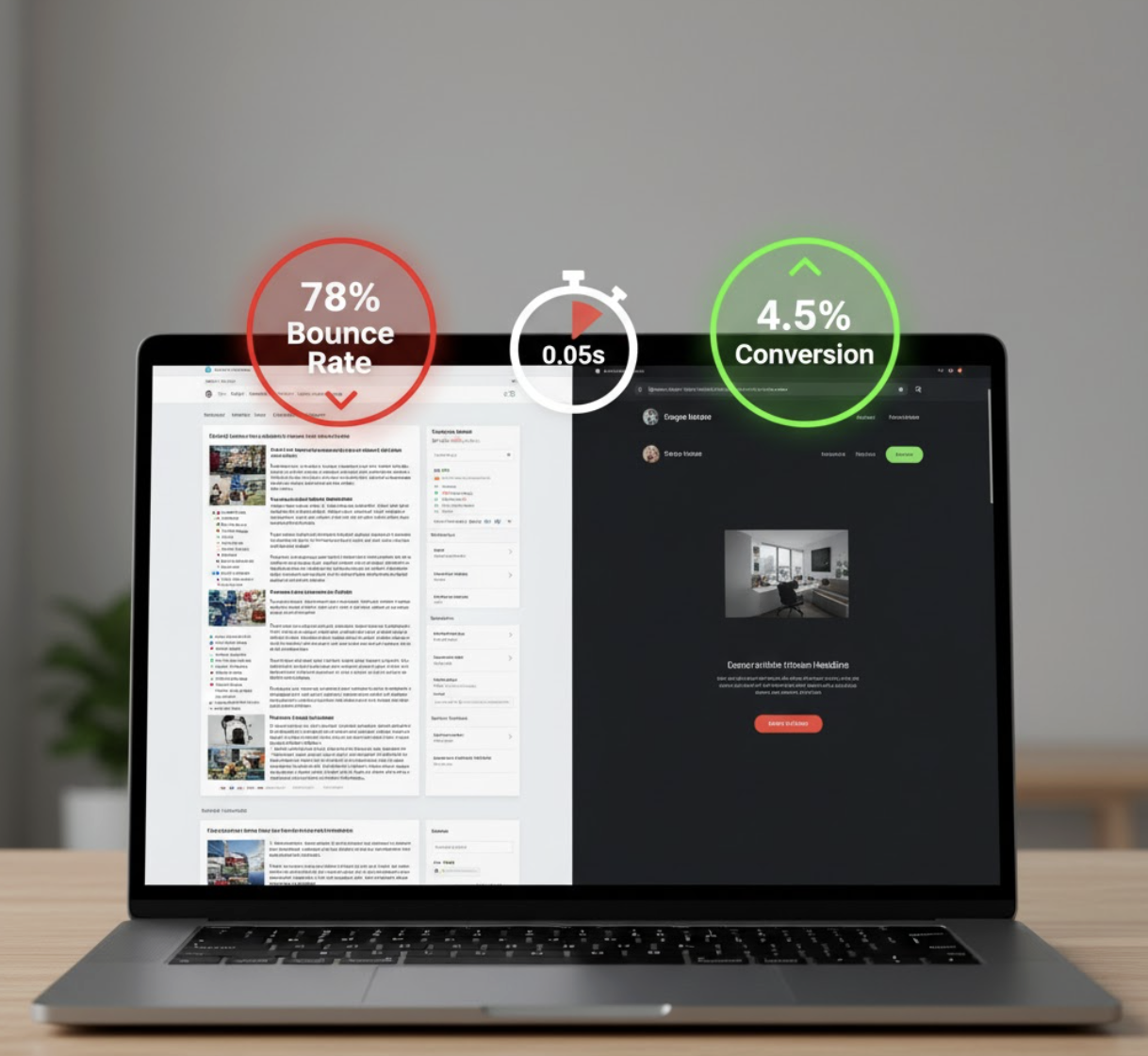
You have about 50 milliseconds to make a first impression. That’s how long it takes for users to decide whether your website feels trustworthy or not.
In that blink of an eye, visitors form a gut reaction — do you look professional, credible, and capable of solving their problem? Or do you look dated, confusing, or unreliable?
In a digital world where attention spans are short and competition is fierce, the visual and functional design of your website directly influences trust — and by extension, sales and conversions.
How Website Design Affects Trust
1. Visual Appeal = Instant Credibility
According to a Stanford study, 75% of users judge a business’s credibility based on its website design. Clean layouts, consistent branding, and quality visuals signal professionalism. Clutter, pixelated images, or outdated typography signal the opposite.
Checklist for Strong Visual First Impressions:
- Modern, minimal design with plenty of white space
- High-quality imagery that reflects your brand
- Consistent fonts and color palette
- Clear logo placement and brand identity

2. Page Speed: Trust Begins with Load Time
A slow website doesn’t just frustrate visitors — it erodes credibility. In fact, Google data shows that as page load time increases from 1s to 3s, bounce probability increases by 32%.
When users wait, they subconsciously question reliability: “If they can’t manage their own website, can I trust them with my business?”
Quick Wins for Faster Load Times:
- Compress images and use next-gen formats (like WebP)
- Minimize plugins and external scripts
- Enable browser caching
- Use a CDN (Content Delivery Network)

3. Clarity and Messaging: Build Trust Through Transparency
Even the most beautiful design fails if users can’t tell what you do within seconds.
Your homepage should immediately answer:
- What do you offer?
- Who is it for?
- Why should someone trust you?
Use plain, benefit-driven language and social proof (like testimonials or client logos) to build confidence.
Pro Tip: Place your value proposition and a clear Call to Action (CTA) above the fold.
The Psychology Behind Website Trust
Visitors subconsciously evaluate:
- Competence (Do you look like an expert?)
- Integrity (Are you transparent and authentic?)
- Benevolence (Do you care about solving their problem?)
Your website needs to communicate all three — through visuals, messaging, and usability.
Example: A consulting agency with cluttered visuals and vague copy might seem less credible than one with a clean layout, client case studies, and clear contact options.
Data-Driven Design: Using Analytics to Strengthen First Impressions
Tracking user behavior can reveal where trust breaks down. Tools like Google Analytics or Hotjar show how users interact with your pages.
Metrics to Monitor:
| Metric | What It Reveals | Action to Take |
|---|---|---|
| Bounce Rate | Visitors who leave after one page | Improve headline clarity or visuals |
| Time on Page | Engagement level | Add clear next-step CTAs |
| Scroll Depth | Interest in content | Reorganize or simplify layout |
Questions to Ask When Auditing Your Website’s First Impression
Use these questions during your next site review:
- Does my homepage clearly state what my business offers within 5 seconds?
- Do the visuals reflect the quality of my brand?
- Is the site mobile-optimized and fast?
- Is the navigation intuitive and simple?
- Do I provide immediate credibility markers (e.g., reviews, awards, data, or testimonials)?
FAQs
1. How fast should my website load to build trust?
Ideally, under 2 seconds. Users start losing confidence and patience beyond that mark.
2. What’s the most important part of my homepage for first impressions?
The hero section — your headline, imagery, and CTA. It sets the tone for trust and engagement.
3. Does website design really affect sales?
Yes. Design affects perception, perception affects trust, and trust affects conversions.
4. What’s the best way to test first impressions?
Run A/B tests on visuals and copy. You can also use feedback tools like UserTesting to see real user reactions.
5. How do I know if my site is turning people away?
Check analytics: high bounce rates or low engagement often signal poor first impressions.
Building Trust = Building Conversions
Your website’s first impression isn’t just aesthetic — it’s strategic. It’s the handshake before the sale, the signal that says “you can trust us.”
If your site looks outdated, slow, or unclear, it’s silently costing you leads.
👉 Explore our Fix My Website Conversions report — pinpoint the design, trust, and messaging gaps holding back your online growth.