Introduction: Data Is Your Growth Engine
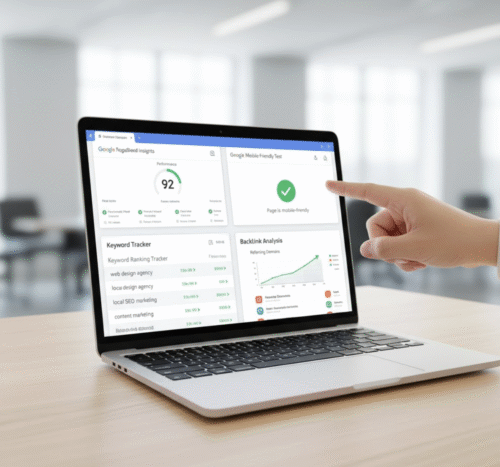
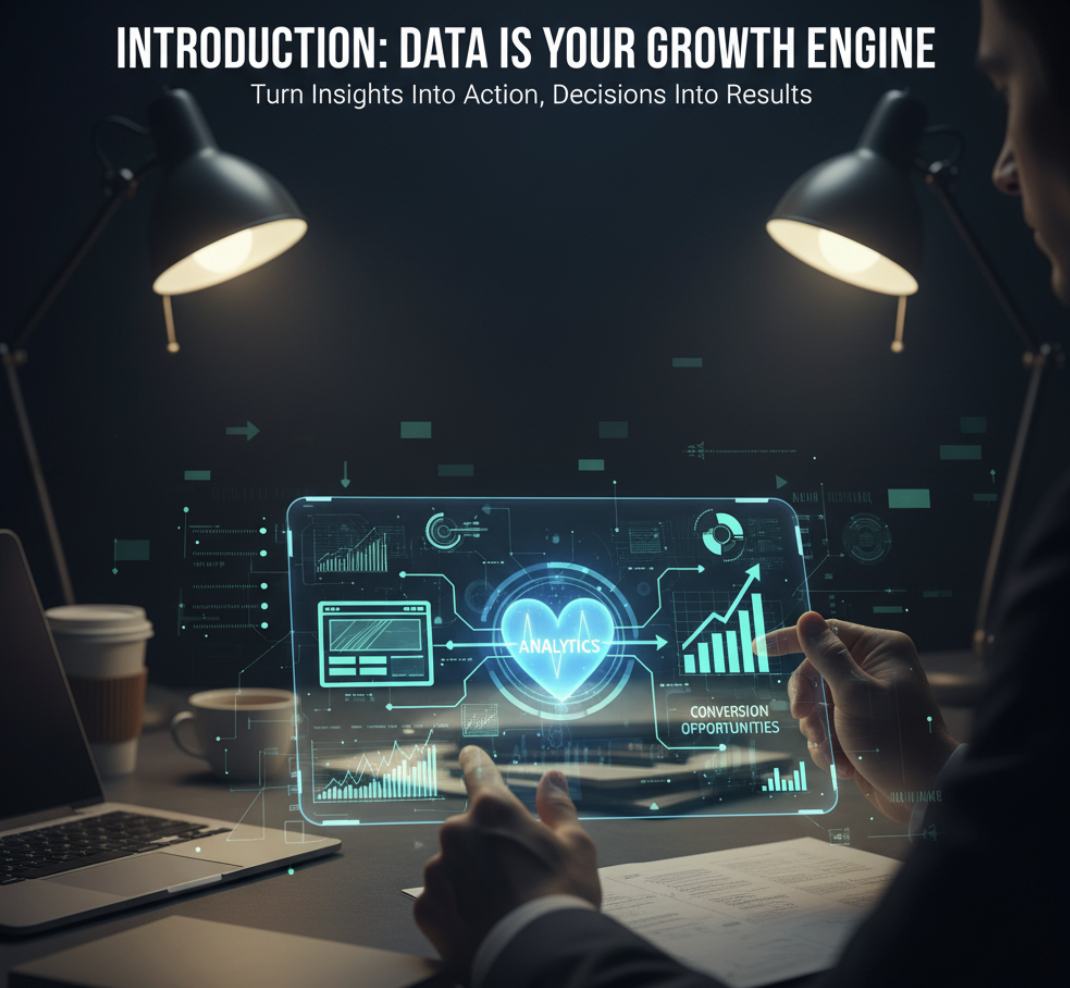
If your website is the digital face of your business, analytics are the heartbeat that keeps it alive. Yet too many businesses treat data like background noise—something they’ll “check later.” The truth? Your analytics tell you exactly what’s working, what’s not, and where your next conversion opportunity lies.
In this guide, we’ll break down the top 5 website analytics tools—what each one does best, and how to use them to turn data into smarter decisions and better results.
1. Google Analytics: The Essential Foundation
Why It Matters: Google Analytics (GA4) is the industry standard for understanding website traffic, behavior, and performance. It gives you a holistic view of who’s visiting, how they got there, and what they do once they arrive.
Key Insights You’ll Get:
- Traffic sources: Where your visitors come from (search, social, email, etc.)
- Top pages: Which content drives the most engagement
- Conversion paths: How users flow through your funnel
Pro Tip: Set up conversion goals and event tracking to measure high-intent actions—like form fills or product clicks. It’s not just about tracking visits; it’s about tracking intent.
2. Hotjar: See What Your Users Actually Do
Why It Matters: Numbers tell you what’s happening; visuals tell you why. Hotjar provides heatmaps, scroll tracking, and session recordings to show you how users experience your website.
Key Insights You’ll Get:
- Heatmaps: Identify where users click, scroll, or get stuck
- Recordings: Watch real visitor sessions
- Feedback polls: Get direct input from users
Pro Tip: Use heatmaps to identify “dead zones” on your homepage or landing pages—then simplify your design and CTAs accordingly.
3. Microsoft Clarity: Free Behavior Insights (No Limits)
Why It Matters: Clarity is a free, privacy-friendly analytics tool from Microsoft that offers unlimited session recordings and heatmaps. It’s perfect for small businesses and startups.
Key Insights You’ll Get:
- Rage click tracking (where users get frustrated)
- Session replay and scroll depth
- User journeys and interaction heatmaps
Pro Tip: Pair Clarity with Google Analytics—Clarity shows you why users behave a certain way; GA tells you who they are and where they came from.
4. SEMrush: SEO Meets Conversion Strategy
Why It Matters: SEMrush isn’t just for keyword tracking. It’s a full-fledged growth intelligence platform that helps you see how organic visibility connects to website conversions.
Key Insights You’ll Get:
- Keyword rankings and opportunities
- Technical SEO audits
- Competitor traffic and backlink analysis
Pro Tip: Use SEMrush’s Site Audit tool to find broken links, slow-loading pages, and crawl errors that could silently kill your SEO performance.
5. Crazy Egg: Visual Optimization for Conversions
Why It Matters: Crazy Egg specializes in visual data—heatmaps, scrollmaps, and A/B testing—to help you tweak page design and CTAs for higher conversions.
Key Insights You’ll Get:
- Click maps and scroll tracking
- A/B test results with visual overlays
- Traffic segmentation by source or campaign
Pro Tip: Use Crazy Egg after implementing website changes. It helps you validate design decisions based on real user behavior.
How to Use These Tools Together: The Conversion Stack
| Tool | Core Function | Best Used For |
|---|---|---|
| Google Analytics | Traffic & funnel data | Overall performance tracking |
| Hotjar | Visual behavior tracking | UX improvements |
| Microsoft Clarity | Session recordings | User frustration insights |
| SEMrush | SEO & keyword strategy | Search visibility optimization |
| Crazy Egg | A/B testing | Conversion rate optimization |
Framework Tip: Think of your analytics stack like a relay team:
- Google Analytics hands you the numbers.
- Clarity or Hotjar shows you the stories.
- SEMrush finds new opportunities.
- Crazy Egg optimizes what’s next.
Common Mistakes to Avoid in Website Analytics
- Tracking everything without purpose. Focus on KPIs that align with business goals.
- Ignoring bounce rate and dwell time. These metrics reveal content and UX issues.
- Failing to act on insights. Analytics are only valuable when you implement changes.
FAQs About Website Analytics Tools
1. What’s the best free website analytics tool?
Google Analytics and Microsoft Clarity are the best free options—each with complementary strengths.
2. Do I need multiple analytics tools?
Yes. Using a mix of tools gives you a more complete picture—data + behavior + opportunity.
3. How often should I check analytics?
Weekly check-ins and monthly deep dives are ideal for consistent growth tracking.
4. Can analytics improve my conversion rate?
Absolutely. Tools like Hotjar and Crazy Egg highlight design and content issues that prevent users from taking action.
5. What if my data looks fine, but conversions are low?
That’s where a Fix My Funnel or Fix My Website Conversions audit helps. Sometimes the issue isn’t traffic—it’s messaging or user flow.
Conclusion: Insights Are Only as Valuable as the Action You Take
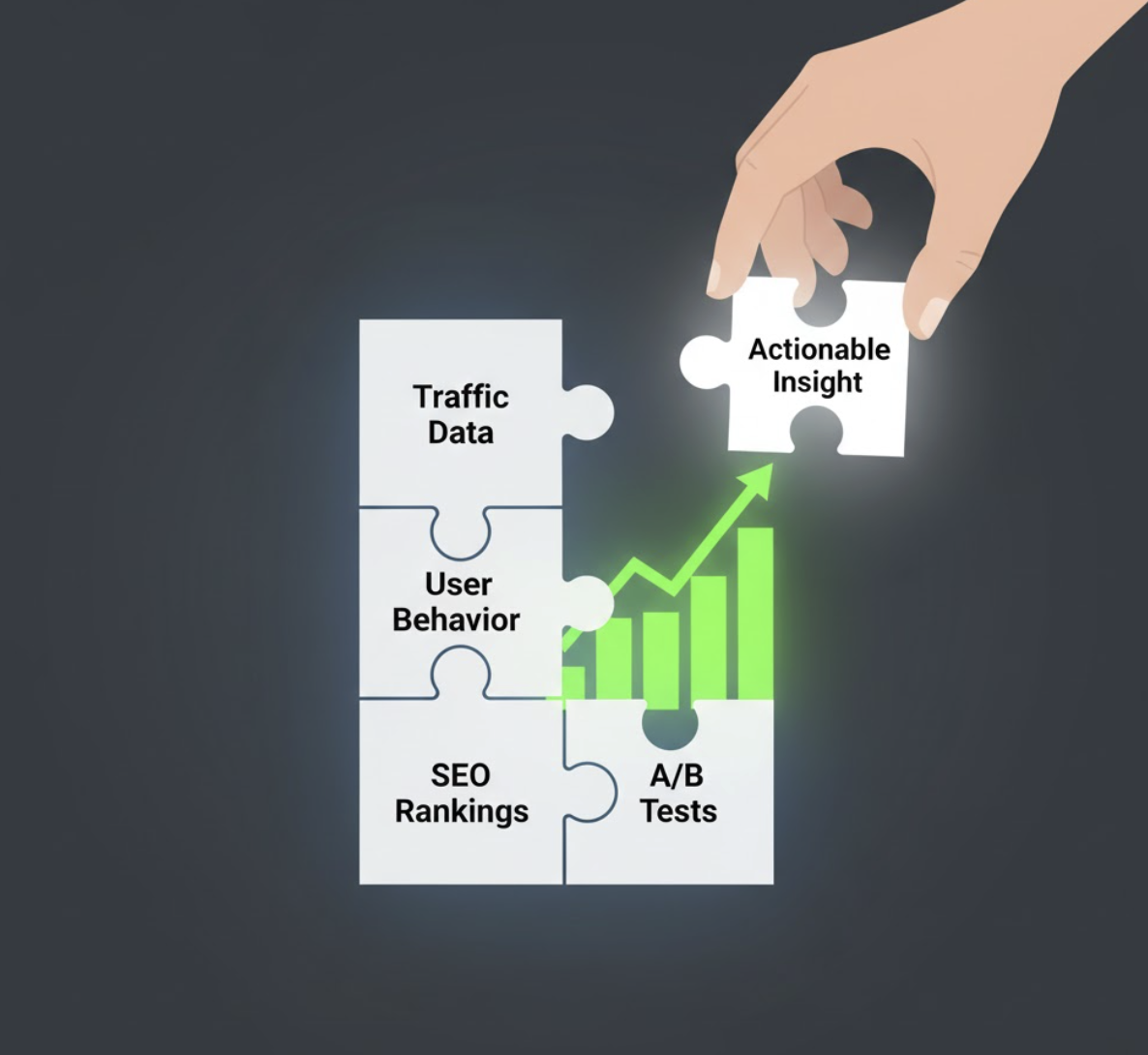
Analytics tools don’t grow your business—decisions do. The smartest business owners use data not to drown in numbers, but to identify clear, actionable next steps.
If your website data looks “fine” but sales aren’t, it’s time for a deeper diagnostic.
👉 Explore our Fix My Website Conversions report to pinpoint your biggest growth opportunities.