Introduction: Stop Guessing — Start Auditing
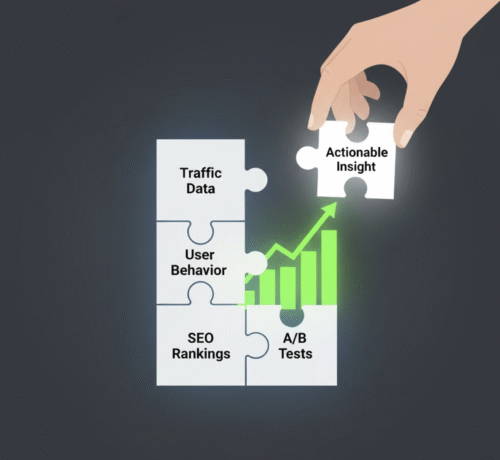
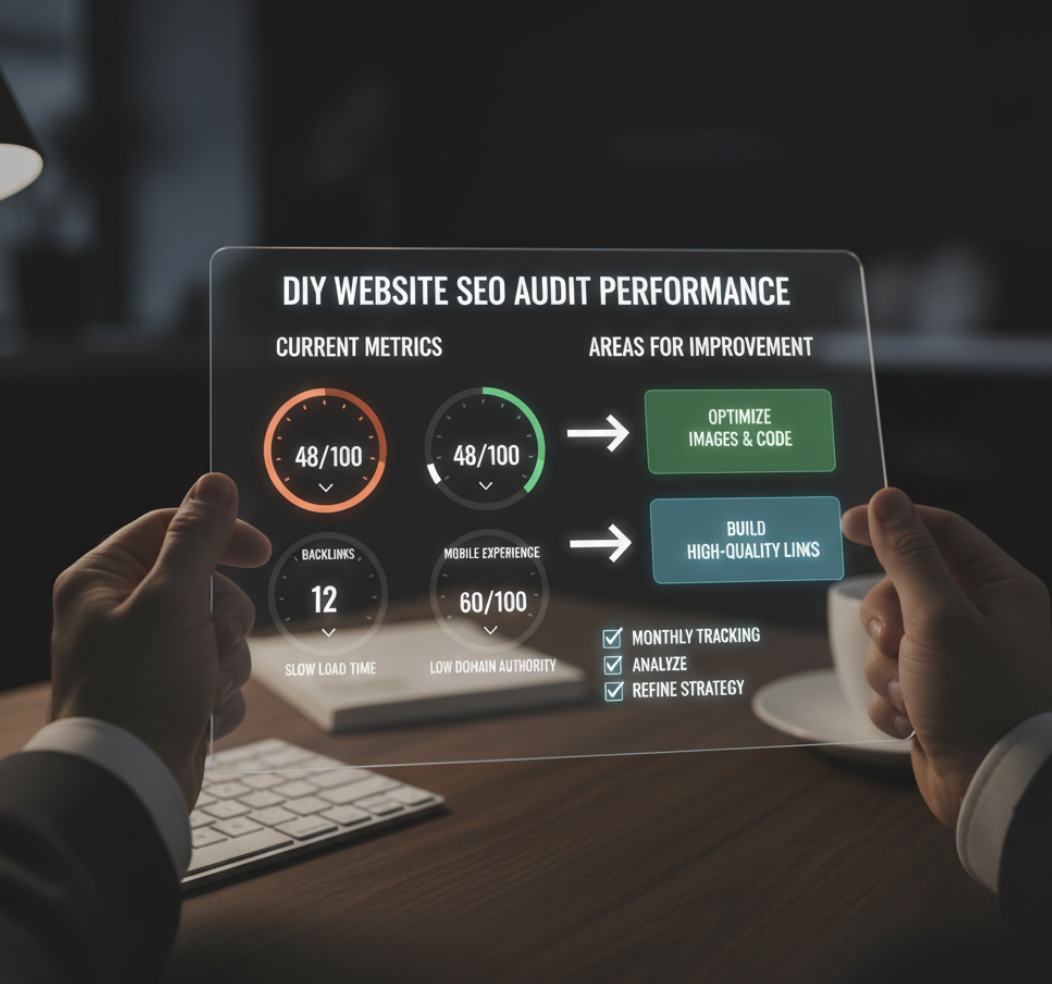
If your website isn’t driving the results you expect, it’s not always your offer — it might be your visibility. An effective DIY website SEO audit helps you spot what’s holding you back: whether that’s slow load times, missing metadata, or poor user experience. The good news? You don’t need to be an SEO pro to perform a meaningful audit. You just need structure and the right tools.
In this guide, we’ll break down exactly how to evaluate your site like an SEO strategist — so you can identify what’s working, what’s broken, and what to fix next.
Step 1: Check Core Technical Performance
A strong SEO foundation starts with technical health. Google rewards fast, secure, and mobile-friendly websites.
Checklist:
- Site Speed: Use Google PageSpeed Insights or GTmetrix to test load time.
- Aim for under 3 seconds.
- Mobile-Friendliness: Check responsiveness with Google’s Mobile-Friendly Test.
- Security: Ensure your site uses HTTPS.
- Crawlability: Use Google Search Console to identify crawl errors and broken links.
✅ Pro Tip: Even small fixes (like compressing images or enabling browser caching) can dramatically improve SEO and conversions.
Step 2: Review On-Page SEO Elements
Once your site’s foundation is solid, focus on the on-page factors that signal relevance to search engines.
Audit These Elements:
- Page Titles & Meta Descriptions: Are they keyword-rich and unique?
- Headings (H1, H2, etc.): Do they follow a logical structure and include relevant keywords?
- URL Structure: Keep URLs clean and descriptive (e.g.,
/seo-audit-guideinstead of/page123). - Internal Linking: Add contextual links between related pages. For example, link from your service pages to ActStrategic.ai resources for deeper insight.
Step 3: Evaluate Your Content Quality
SEO thrives on valuable, trustworthy content. Ask yourself:
- Does your content address customer pain points?
- Is it fresh, well-researched, and engaging?
- Are you using visuals or data to support your claims?
Use tools like Hemingway or Grammarly to enhance readability, and review your content with AI assistance to identify tone or clarity gaps.
Quick Fix Framework:
| Issue | Why It Matters | Fix |
|---|---|---|
| Thin content | Low ranking potential | Expand with detailed explanations & examples |
| Keyword stuffing | Hurts readability & SEO | Rewrite for natural flow |
| Outdated stats | Reduces credibility | Update with current data |
Step 4: Analyze Backlinks and Authority
Backlinks are the internet’s credibility currency. Run a backlink audit using Ahrefs, Moz, or SEMrush.
Check for:
- Quality Links: Are top sites referencing you?
- Toxic Links: Disavow spammy or irrelevant ones.
- Anchor Text Diversity: Avoid over-optimization.
If your link profile is weak, consider a guest posting strategy or digital PR campaign.
Step 5: Assess User Experience (UX)
Search engines reward sites that people love to use. Evaluate:
- Navigation: Is it intuitive?
- Design Consistency: Fonts, colors, and spacing should feel cohesive.
- Engagement Metrics: Check bounce rate, time on page, and conversions.
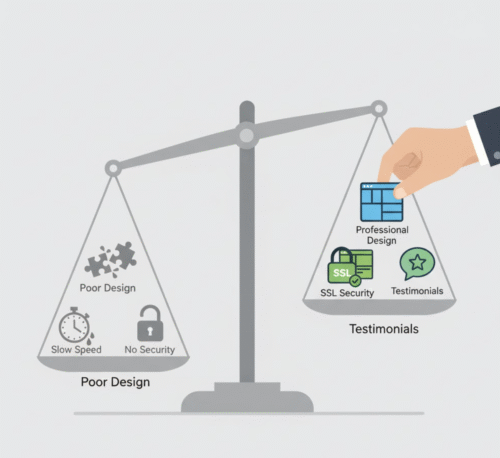
Even small design upgrades can improve trust and retention. For more guidance, read our post on Building Trust Online: How Website Design Affects Credibility.
Step 6: Monitor & Measure Results
SEO is not a one-time project. Set up performance tracking with:
- Google Analytics 4 – to track user behavior.
- Google Search Console – to see keyword positions and click-through rates.
- Heatmaps (e.g., Hotjar) – to understand how visitors interact with your pages.
Review monthly. Look for trends, not perfection.
Common Mistakes in DIY SEO Audits
Avoid these pitfalls:
- Focusing only on keywords instead of user intent.
- Ignoring mobile experience.
- Not updating your sitemap or robots.txt.
- Overlooking conversion tracking.
Remember: SEO isn’t just about ranking higher; it’s about building a growth engine that converts traffic into trust and revenue.
FAQs
1. What is a DIY SEO audit?
A do-it-yourself SEO audit is a structured process where you evaluate your website’s technical, on-page, and content performance to find areas for improvement.
2. How often should I audit my website?
Quarterly audits are ideal — or more often if you’ve made major site updates.
3. What tools do I need for a DIY SEO audit?
Start with free tools like Google Search Console, PageSpeed Insights, and Ahrefs (free trial version).
4. Can a DIY SEO audit replace professional SEO services?
No — but it gives you clarity. Think of it as diagnosing before hiring a specialist.
5. How can ActStrategic.ai help?
Our Fix My Website Conversions report shows you exactly where your sales funnel is leaking traffic or losing conversions — and how to fix it fast.
Conclusion: From Guesswork to Growth
An honest DIY SEO audit isn’t about perfection — it’s about visibility and momentum. Each fix compounds your results, improving not just rankings, but conversions and customer trust.
🧭 Get clarity on your sales system with our Fix My Funnel tool and turn your website into a growth engine that actually converts.