The Website Dilemma: Save Money or Build Momentum?
You’ve probably faced it: should you build your own website using a DIY builder—or invest in a professional web designer? It’s a classic business decision that pits short-term savings against long-term growth.
DIY website builders like Wix, Squarespace, and WordPress promise easy, affordable solutions. But when your website’s job is to convert visitors into paying customers, the real costs often go beyond money. Time, missed opportunities, and hidden technical frustrations can quietly drain your momentum.
This guide breaks down the real differences between DIY and professional website design—so you can make an informed decision that aligns with your growth goals.
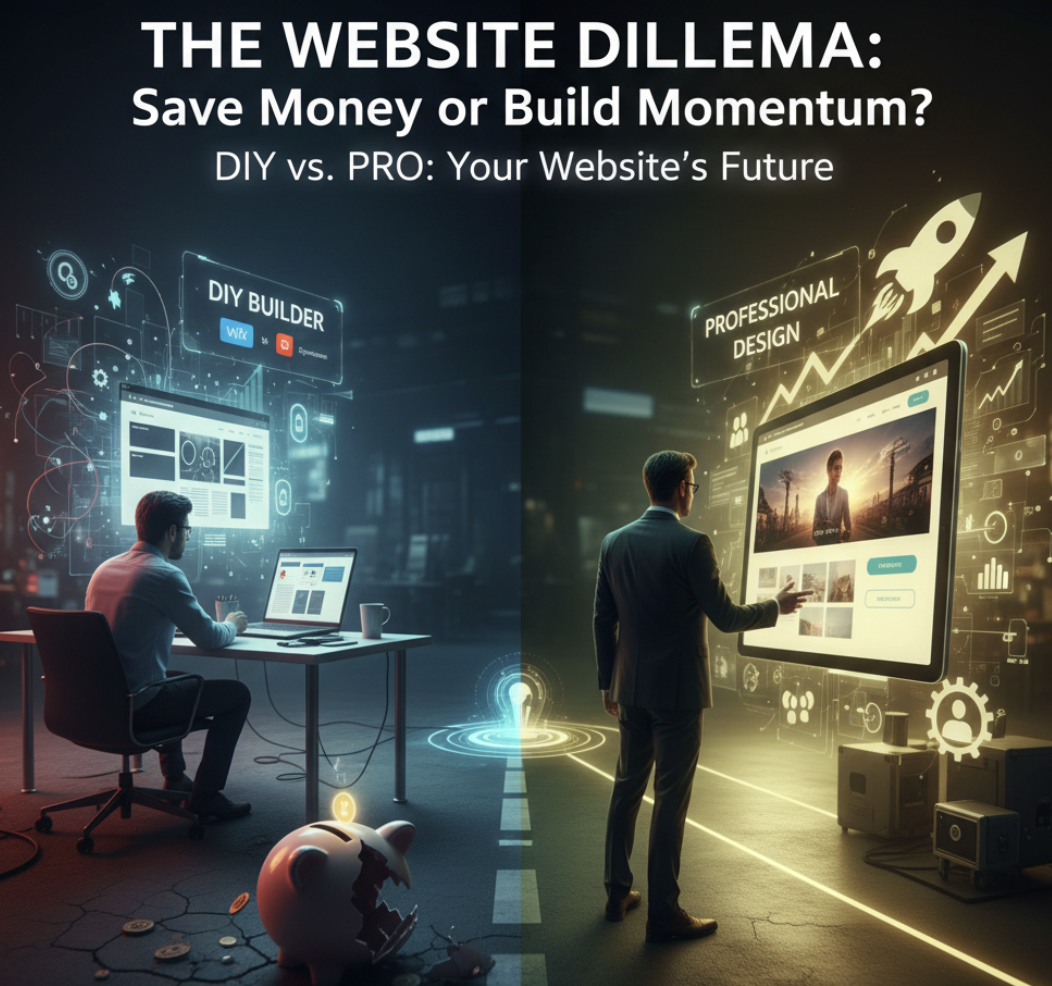
Understanding DIY Website Design
DIY website design tools make it possible for anyone to launch a site in a day. Platforms like Squarespace, Wix, and WordPress.com offer drag-and-drop templates and built-in hosting.
Pros of DIY Website Design:
- Low upfront cost – Subscription-based pricing keeps it budget-friendly.
- Speed to launch – Build and publish quickly.
- Creative control – Edit anytime without needing a developer.
Cons of DIY Website Design:
- Template limitations – Customization is often restricted to preset layouts.
- SEO and UX gaps – Without strategic guidance, sites often underperform.
- Hidden time cost – What you save in money, you spend in hours learning, tweaking, and troubleshooting.
- Scalability challenges – DIY platforms may struggle with advanced needs like CRM integration or conversion tracking.
Quick stat: According to HubSpot, 88% of online consumers are less likely to return after a bad user experience. A DIY site may look “fine” — but if the UX is weak, your growth will suffer.
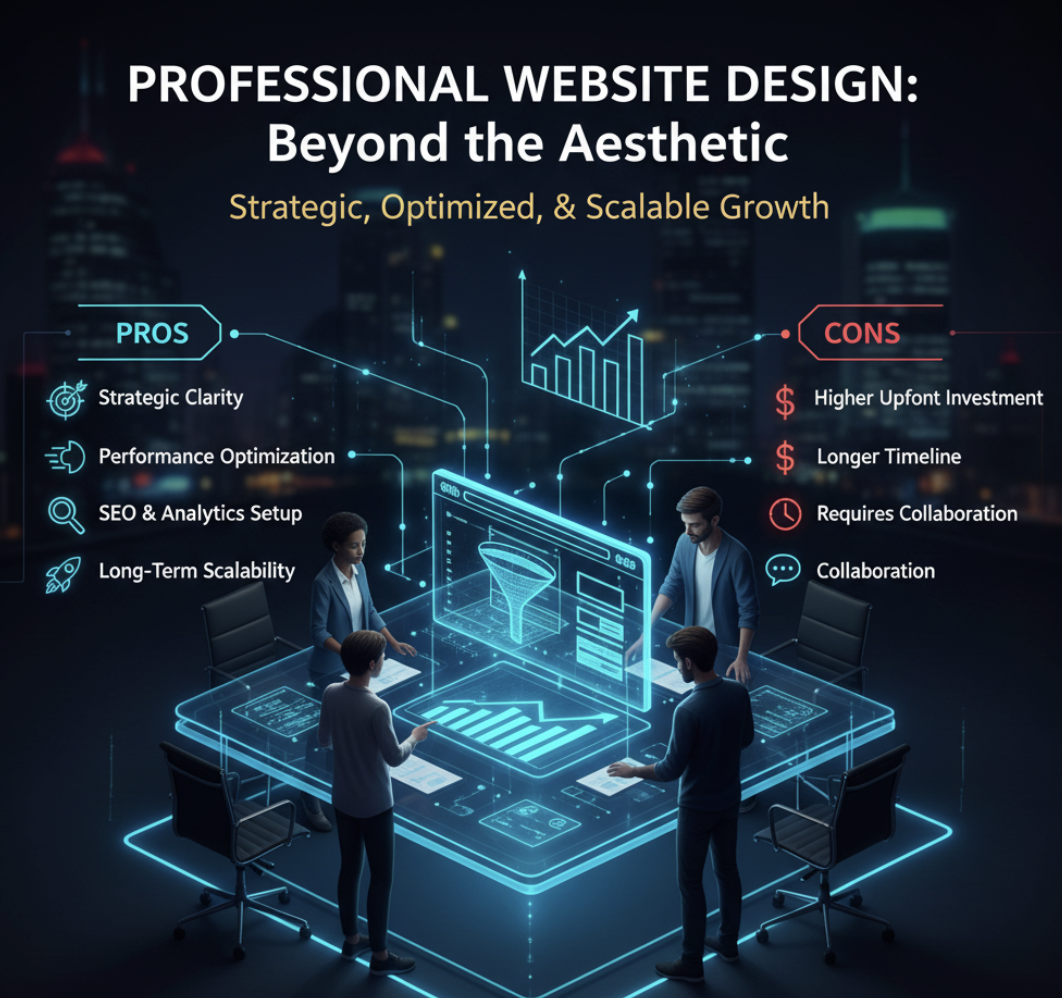
Professional Website Design: Beyond the Aesthetic
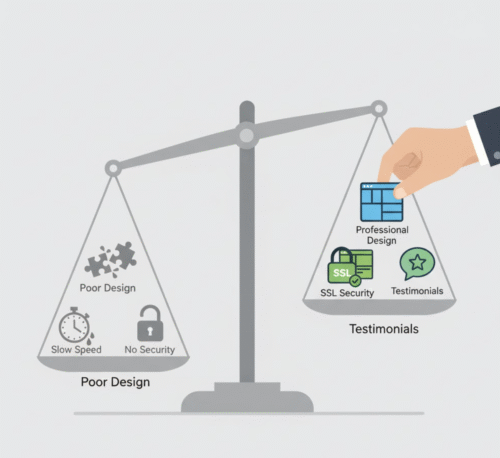
Hiring a professional web designer or agency goes beyond the visual polish—it’s about creating a strategic asset that supports business growth. A professional doesn’t just design your site; they design your conversion journey.
Pros of Professional Website Design:
- Strategic clarity – Professionals align design with your business goals and sales funnel.
- Performance optimization – Faster load times, responsive layouts, and better UX.
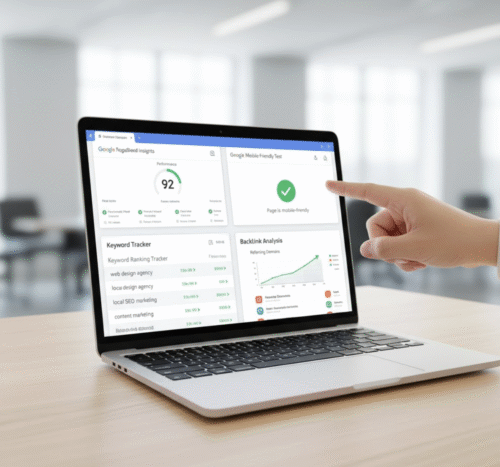
- SEO and analytics setup – Foundation for discoverability and data-driven improvement.
- Long-term scalability – Easier to expand, integrate with CRMs, or add new functionality.
Cons of Professional Website Design:
- Higher upfront investment – Quality work requires expertise.
- Longer timeline – A thorough build may take weeks, not days.
- Requires collaboration – You’ll need to provide feedback and content inputs.
Hidden Costs of DIY Website Design
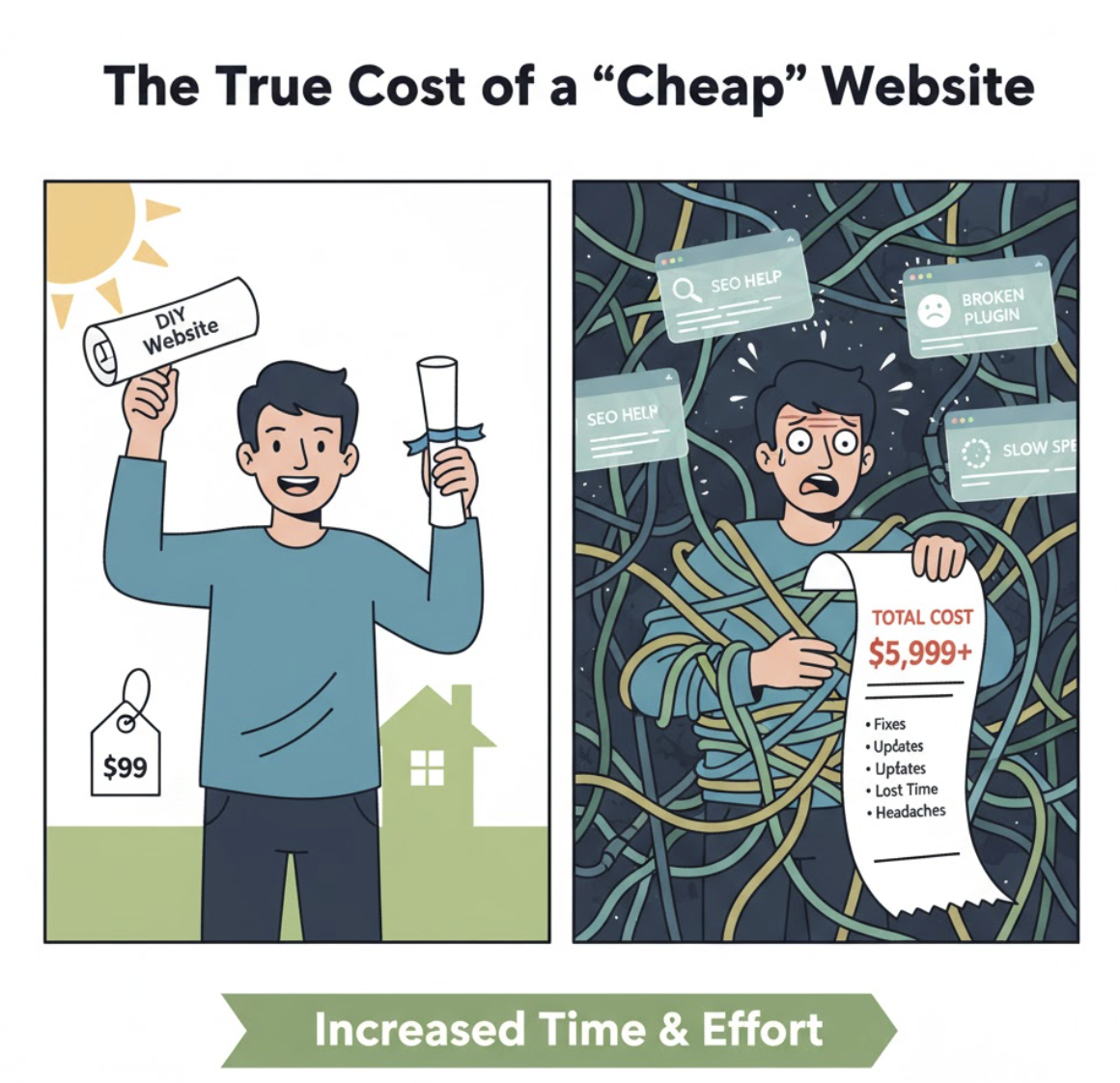
It’s tempting to view a DIY site as the “cheaper” option—but there are often unseen costs that eat away at that savings:
| Hidden Cost | Description | Example |
|---|---|---|
| Time | Every hour spent designing is an hour not spent growing your business. | 30+ hours building instead of closing sales. |
| Plugins & Add-ons | Advanced features (SEO tools, eCommerce, CRM) usually cost extra. | $20–$50/month in plugins. |
| Performance Loss | Poor UX or slow pages can tank conversion rates. | Lost revenue from lower traffic or conversions. |
| Technical Debt | Fixing DIY mistakes later often costs more than building right the first time. | Paying a developer to rebuild. |
If you’re serious about scaling, those “hidden” costs can quickly outweigh the price of hiring a professional.
The Middle Ground: Hybrid Strategy
There’s also a hybrid approach — start DIY to validate your offer, then upgrade professionally once you see traction. This lets you launch fast without being locked into a design that limits your growth.
Here’s how to make it work:
- Launch with a simple MVP (minimum viable product) website.
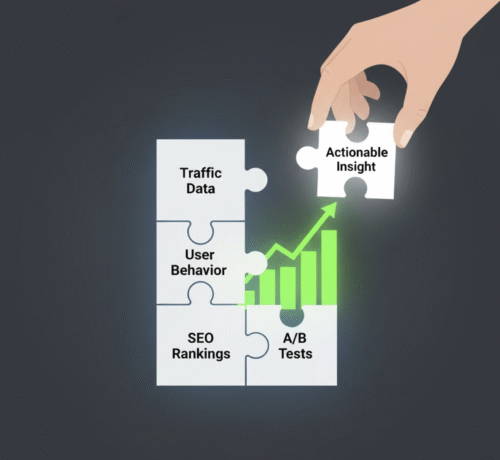
- Use analytics to track which pages perform best.
- Once validated, reinvest in a professional redesign focused on conversion.
For example, ActStrategic.ai helps businesses identify exactly what’s blocking conversions through our Fix My Website Conversions diagnostic tool — giving you clarity before you invest in a rebuild.
How to Decide: A Quick Decision Matrix
| Question | If You Answer “Yes”… | You May Need |
|---|---|---|
| Do you have time to learn design and SEO? | Yes | DIY (short-term) |
| Do you rely on your site for lead generation or sales? | Yes | Professional (long-term) |
| Are you launching a personal or hobby project? | Yes | DIY |
| Do you need CRM, funnel tracking, or advanced UX? | Yes | Professional |
Common FAQs
1. What’s the biggest risk of a DIY website?
The main risk is underperformance. A DIY site may look good but fail to convert visitors due to poor UX, unclear messaging, or technical issues.
2. How much does professional website design really cost?
Costs vary widely, but expect anywhere from $2,000 to $10,000+ for a conversion-focused business site. Remember, it’s an investment—not just an expense.
3. Can I start DIY and hire a pro later?
Absolutely. Many businesses do this. The key is to plan for scalability from day one so your data and content can transfer smoothly.
4. How do I know if my site needs professional help?
If your traffic is steady but conversions are low, it’s time for an audit. You can use our Fix My Website Conversions tool to uncover the specific issues.
5. What’s more important—design or functionality?
Both matter, but functionality drives results. A beautiful site that doesn’t convert is just digital art.
Final Thoughts: Design Is Strategy
Whether you choose DIY or go professional, your website isn’t just a brochure—it’s a growth engine. The right decision depends on your goals, skills, and stage of business.
If your current site isn’t converting like it should, don’t guess. Get clarity with ActStrategic.ai’s Fix My Website Conversions report — so you know exactly what’s holding your growth back and how to fix it fast