
Why Your Website Redesign Needs a Strategy, Not Just a Makeover
A website redesign isn’t just a new coat of paint—it’s a chance to fix what’s not working in your digital growth system. Yet many business owners dive in without a roadmap. The result? Lost rankings, broken funnels, and lower conversions.
Before you hand off your redesign to a developer or agency, make sure you have a solid plan in place. Here’s your complete website redesign checklist to help you protect your SEO, keep conversions steady, and come out stronger on launch day.
1. Define Your Redesign Goals
Every successful redesign starts with clarity. Ask yourself:
- What’s not working on your current site? (e.g., poor conversions, slow load times, outdated branding)
- What are the measurable outcomes you want? (e.g., +20% leads, lower bounce rate, improved time on page)
Tip: Tie your redesign goals directly to business outcomes, not just aesthetics.
2. Audit Your Existing Website
Before you can improve, you need to diagnose. Review your website’s current performance:
- Traffic analytics (Google Analytics or similar)
- Top-performing pages – Don’t lose these during migration.
- Conversion paths – Which pages bring in the most leads or sales?
- Technical SEO audit – Check for crawl errors, site speed, and broken links.
Use this data to decide what to keep, update, or retire.
Internal Link: Learn how ActStrategic.ai helps businesses uncover hidden funnel leaks with Fix My Website Conversions.

3. Back Up Everything
Before making any changes:
- Export your current site content and media.
- Back up databases and site files.
- Save copies of metadata (titles, descriptions, alt text).
You’ll thank yourself if anything goes wrong during migration.
4. Map Your New Site Architecture
Think of your website as a sales system—not just a collection of pages. Map out how users will move through it.
Checklist:
- Clear navigation that supports your buyer journey
- Logical content hierarchy (Homepage → Product/Service Pages → Conversion Pages)
- Internal linking strategy for SEO and user flow
A redesign is the perfect opportunity to simplify your structure and eliminate dead-end pages.
5. Preserve SEO Equity
This is where many redesigns fail. Losing your search visibility can set you back months.
SEO Redesign Essentials:
- 301 redirect plan (old URLs → new URLs)
- Keep high-performing content live or updated
- Optimize new pages with title tags, meta descriptions, and headers
- Test internal links post-launch
Pro Tip: Use Google Search Console to identify and redirect pages currently driving traffic.
6. Optimize for Conversion
Your redesign should do more than look good—it should convert.
Conversion Optimization Checklist:
- Prominent CTAs on every page
- Simplified forms (only essential fields)
- Strong above-the-fold messaging
- Social proof: testimonials, logos, reviews
- Clear value proposition on your homepage
A redesign without CRO (conversion rate optimization) is just decoration. Design with data, not just aesthetics.
7. Design for Speed and Mobile Experience
Google and users both expect a fast, mobile-first experience.
Key Priorities:
- Compress images and use next-gen formats (e.g., WebP)
- Minimize scripts and CSS bloat
- Use responsive design
- Test performance with Google PageSpeed Insights
A fast site not only ranks better but also improves trust and conversion rates.
8. Test Before Launch
Before you go live, thoroughly test every aspect of your new site.
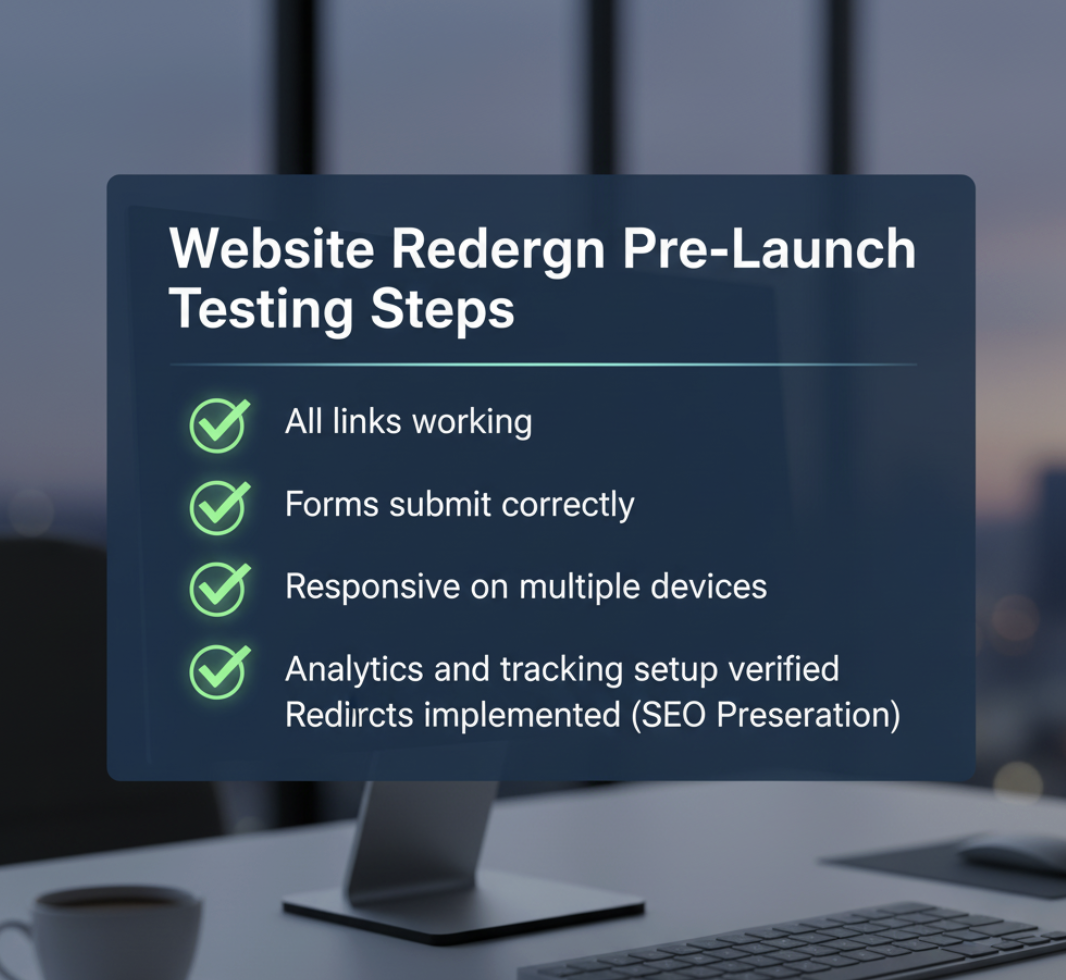
Pre-Launch Testing Checklist:
- All links working
- Forms submit correctly
- Responsive on multiple devices
- Analytics and tracking setup verified
- Redirects implemented
Launch day should be stress-free when testing is handled properly.
9. Post-Launch Optimization
After launch, the real work begins.
Monitor and Adjust:
- Track metrics daily for the first month
- Watch for traffic or ranking drops
- A/B test key pages and CTAs
- Collect user feedback for ongoing tweaks
Continuous optimization ensures your redesign actually performs—not just looks good.
Common Mistakes to Avoid
| Mistake | Why It Hurts |
|---|---|
| Ignoring redirects | Leads to 404 errors and SEO loss |
| Skipping content audit | You might delete high-performing pages |
| Launching without testing | Breaks user trust immediately |
| Prioritizing looks over UX | Pretty designs don’t convert |
FAQs: Website Redesign Checklist
1. How often should you redesign your website?
Most businesses redesign every 2–3 years, or sooner if your site looks outdated or conversions drop.
2. Will a redesign hurt my SEO?
It can—if redirects and metadata aren’t managed properly. Follow this checklist to preserve rankings.
3. What should I look for in a redesign agency?
Choose one that prioritizes conversions and SEO, not just visuals.
4. How long does a redesign take?
Typically 6–12 weeks, depending on complexity and revisions.
5. How do I know if my new design is performing?
Track metrics like bounce rate, average session time, and conversions post-launch.
Final Takeaway
A website redesign is an investment—not a cosmetic upgrade. Done right, it can sharpen your message, boost conversions, and future-proof your brand.
If you’re planning a redesign, don’t guess. Get clarity before you rebuild.
Explore Fix My Website Conversions — your AI-powered report that pinpoints the biggest conversion leaks on your site.