The First Big Decision: Build Custom or Go Template?
Your website is your digital storefront — the first impression many prospects get of your business. Whether you’re launching a new brand or redesigning for growth, one of the first questions you’ll face is: Should I invest in a custom website or use a template?
The right answer depends on your goals, budget, and growth stage. Let’s break it down so you can make a strategic, confident decision.
What Is a Custom Website?
A custom website is built from scratch, designed specifically for your brand, audience, and business goals. Every element — layout, functionality, and design — is tailored to fit your strategy.
Pros:
- Unique design that reflects your brand identity
- Full control over user experience and functionality
- Better long-term scalability and SEO performance
- Easier to integrate with custom tools or CRM systems
Cons:
- Higher upfront cost
- Longer development timeline
- Requires clear strategy and design direction
Best For: Established businesses, startups seeking investment, or brands in competitive industries where differentiation and UX are key.

What Is a Template-Based Website?
A template website uses a pre-built design (often from platforms like WordPress, Wix, or Webflow). You customize content, colors, and imagery within preset layouts.
Pros:
- Lower initial cost
- Faster to launch
- Easier DIY setup or quick agency turnaround
- Ideal for MVPs or early-stage startups
Cons:
- Limited design flexibility
- Harder to scale with complex features
- May look generic or similar to competitors
- Can affect page speed or SEO if poorly optimized
Best For: New businesses, solopreneurs, or those testing ideas before scaling.
Side-by-Side Comparison: Custom Website vs Template
| Criteria | Custom Website | Template Website |
|---|---|---|
| Cost | Higher upfront, long-term value | Affordable, lower initial investment |
| Speed to Launch | 8–12 weeks (typical) | 1–2 weeks |
| Design Flexibility | Fully custom | Limited layouts |
| SEO Potential | High, can be optimized deeply | Depends on template quality |
| Maintenance | Custom updates, scalable | May require plugin updates |
| Longevity | 3–5+ years | 1–2 years before redesign |
How to Decide: 3 Questions to Guide You
- What’s your primary business goal right now?
If you’re testing a new idea or validating an offer, a template is fine. But if you’re building long-term credibility or scaling a sales engine, go custom. - How important is brand differentiation?
If you compete in a crowded market (e.g., SaaS, consulting, real estate), a custom design helps you stand out and build trust instantly. - Do you need flexibility to scale or integrate tools later?
If you plan to add automations, CRM connections, or custom lead funnels, custom sites are far more adaptable.
Pro Tip: Think Beyond Design — Think Conversion
A beautiful website doesn’t guarantee conversions. What matters is how clearly it communicates value and drives users toward action.
- Your headline must clarify the benefit in seconds.
- Your layout should guide visitors naturally toward your CTA.
- Your forms should be frictionless and trustworthy.
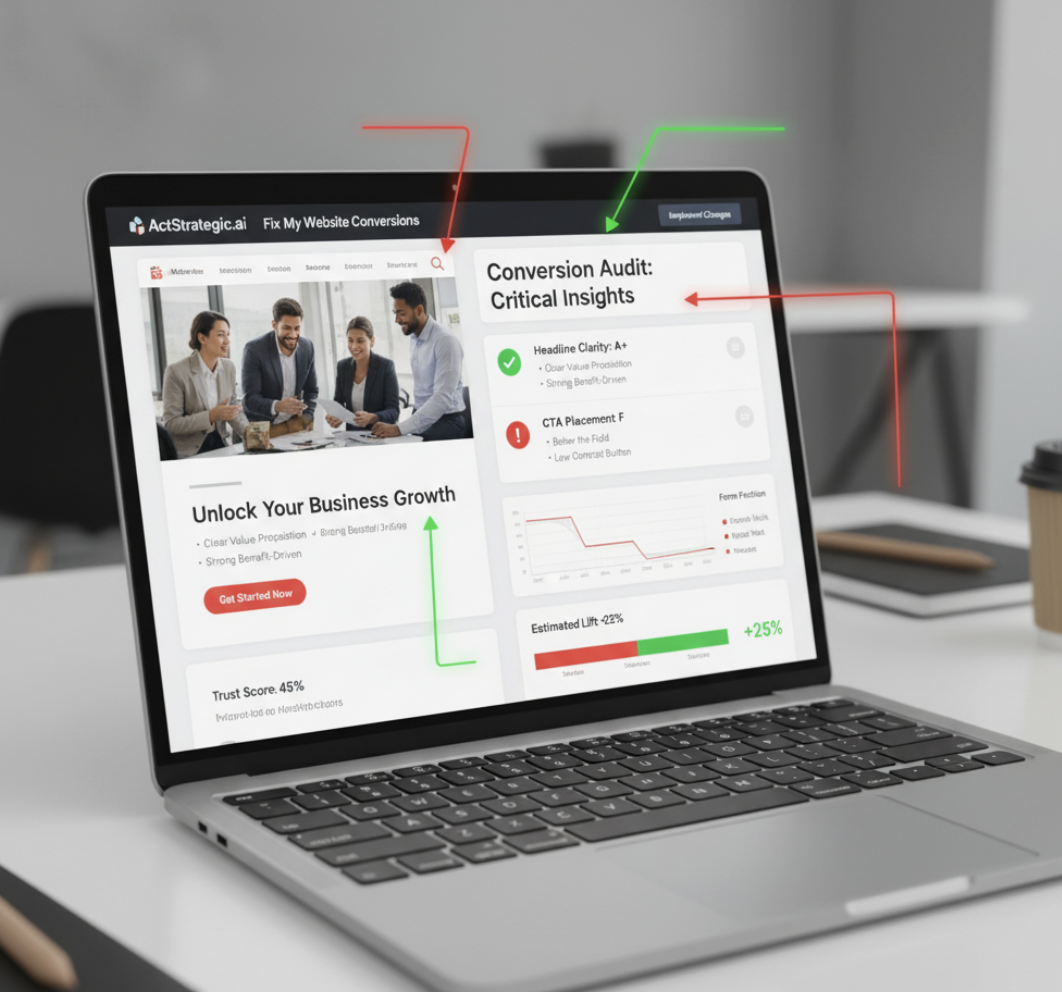
Even a custom design will fail without conversion strategy — and that’s where tools like ActStrategic.ai’s Fix My Website Conversions come in. It helps you pinpoint exactly what’s breaking trust or costing leads.
When to Start Custom, and When to Start Template
| Business Stage | Recommended Approach | Why |
|---|---|---|
| New Business / Idea Testing | Template | Launch fast, learn from feedback |
| Growing Brand | Custom | Build differentiation and authority |
| Scaling or Enterprise | Custom | Integrate systems, scale efficiently |
Tip: Many businesses start with a solid template, validate their offer, and upgrade to custom design once ROI is proven.
Common Mistakes to Avoid
- Over-customizing a template — leads to bloated code and performance issues.
- Ignoring mobile experience — over 60% of web traffic comes from mobile (source: Statista).
- Skipping strategy — design decisions without conversion strategy waste budget.
- Focusing on aesthetics over UX — good design is about clarity, not decoration.
FAQs About Custom Websites vs Templates
1. Are custom websites better for SEO?
Yes, because developers can control structure, speed, and on-page elements that templates often restrict.
2. How much does a custom website cost?
It varies widely — from $5,000 to $50,000+, depending on complexity, pages, and integrations.
3. Can a template website still perform well?
Absolutely, if built with a strong strategy, optimized content, and clean code. The key is focusing on user experience.
4. How do I know when to upgrade from a template to custom?
When you’ve validated your offer, outgrown template limitations, or want to elevate brand credibility.
5. Which performs better for conversions?
Custom websites tend to perform better long-term because they’re designed around your customer journey — not a generic layout.
Final Thoughts
Whether you go custom or start with a template, the key is strategy. A fast, beautiful site means nothing if it doesn’t convert visitors into leads.
Your website isn’t just design — it’s your sales system. If you’re unsure where your site is underperforming, explore ActStrategic.ai’s Fix My Website Conversions to identify and fix conversion leaks before they cost you another lead.